![setup[hub]](/assets/logo-wordmark-white.svg?v=c0e6d40676f8)
Know where you stand.
Group medical study topics by college and track your reading progress for each item.
 BetaMedical studies & revision
Organize your medical study topics, track what you’ve read, and practise with personal flashcards and quizzes. Your revision workspace, right in your browser.
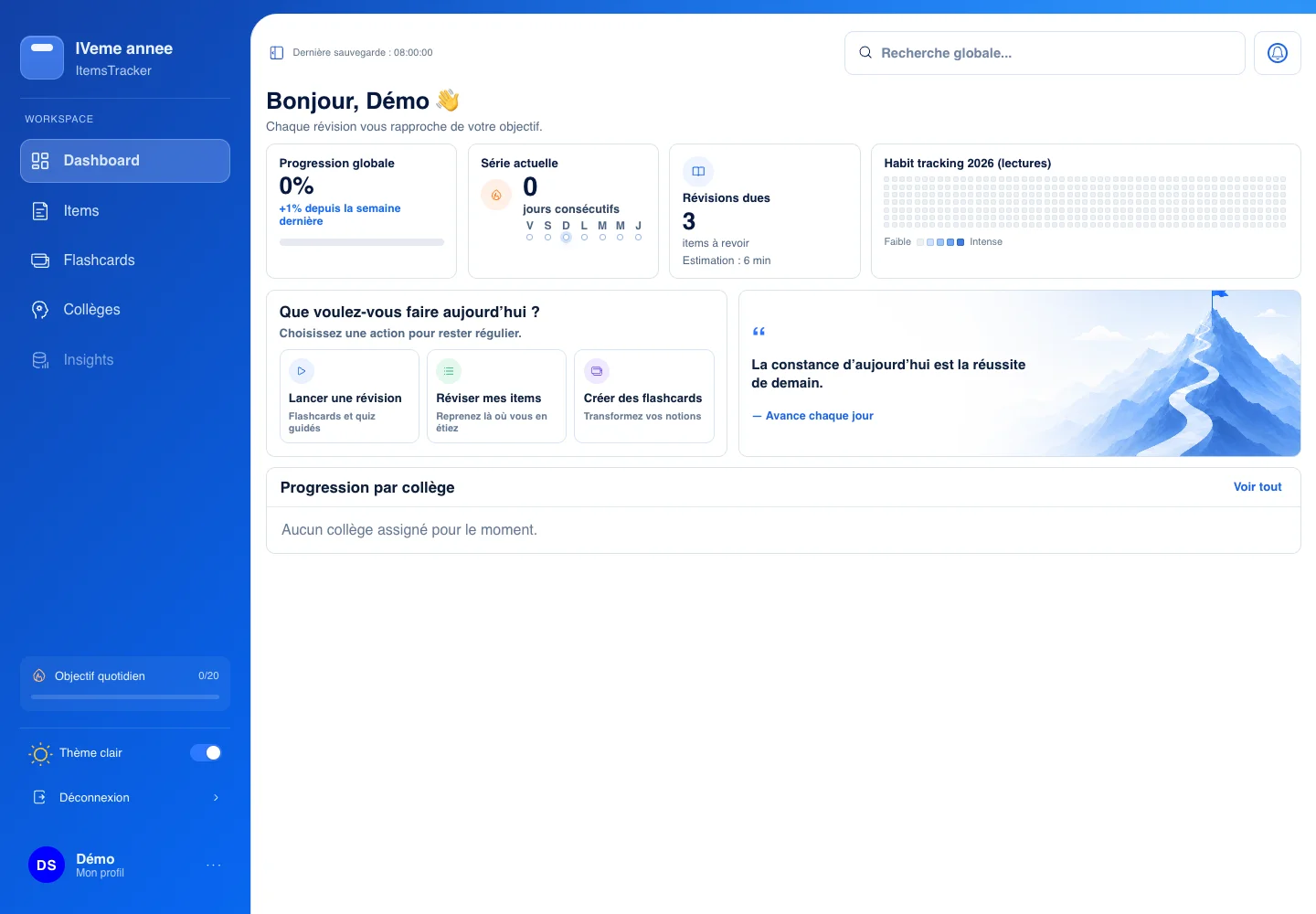
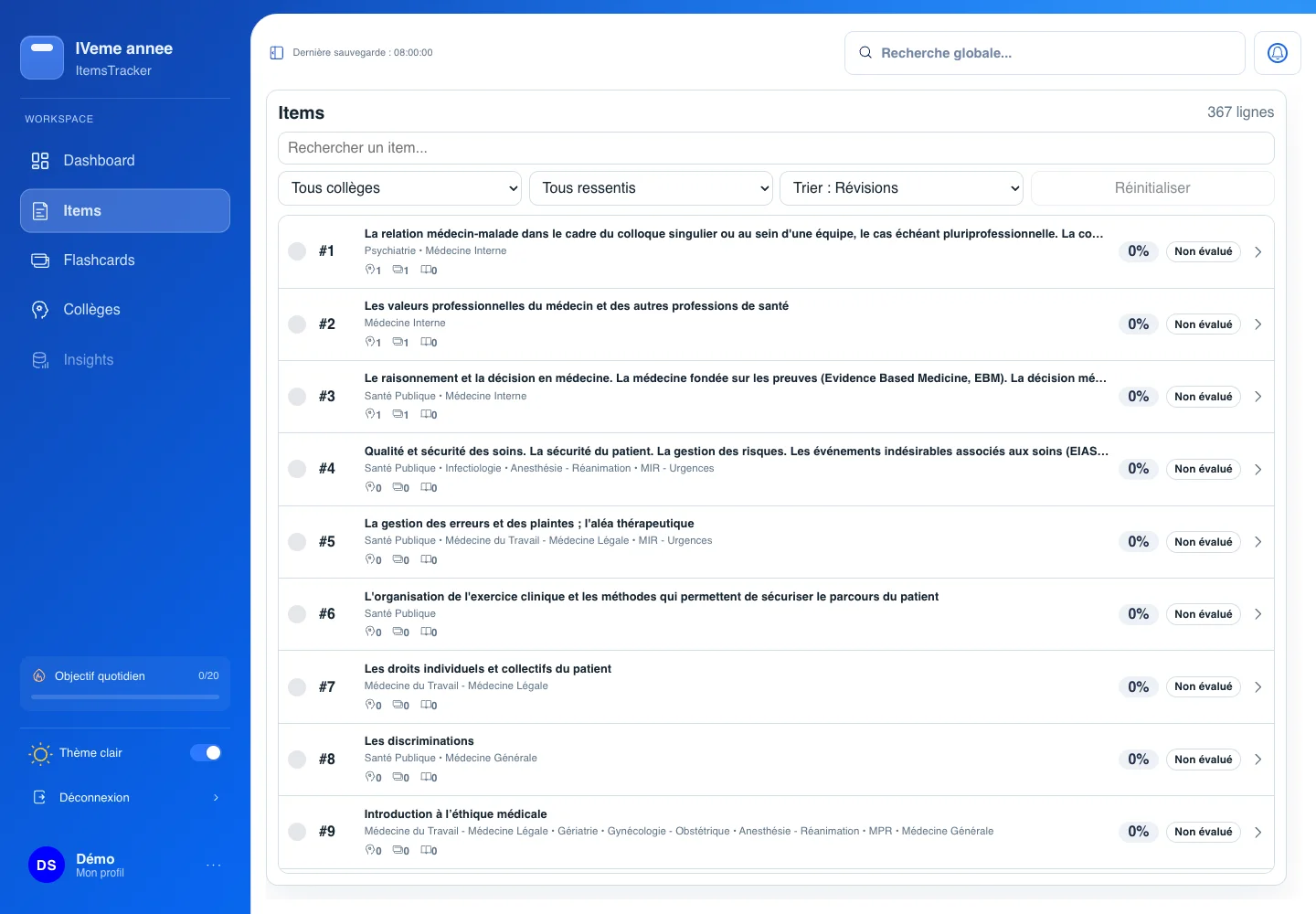
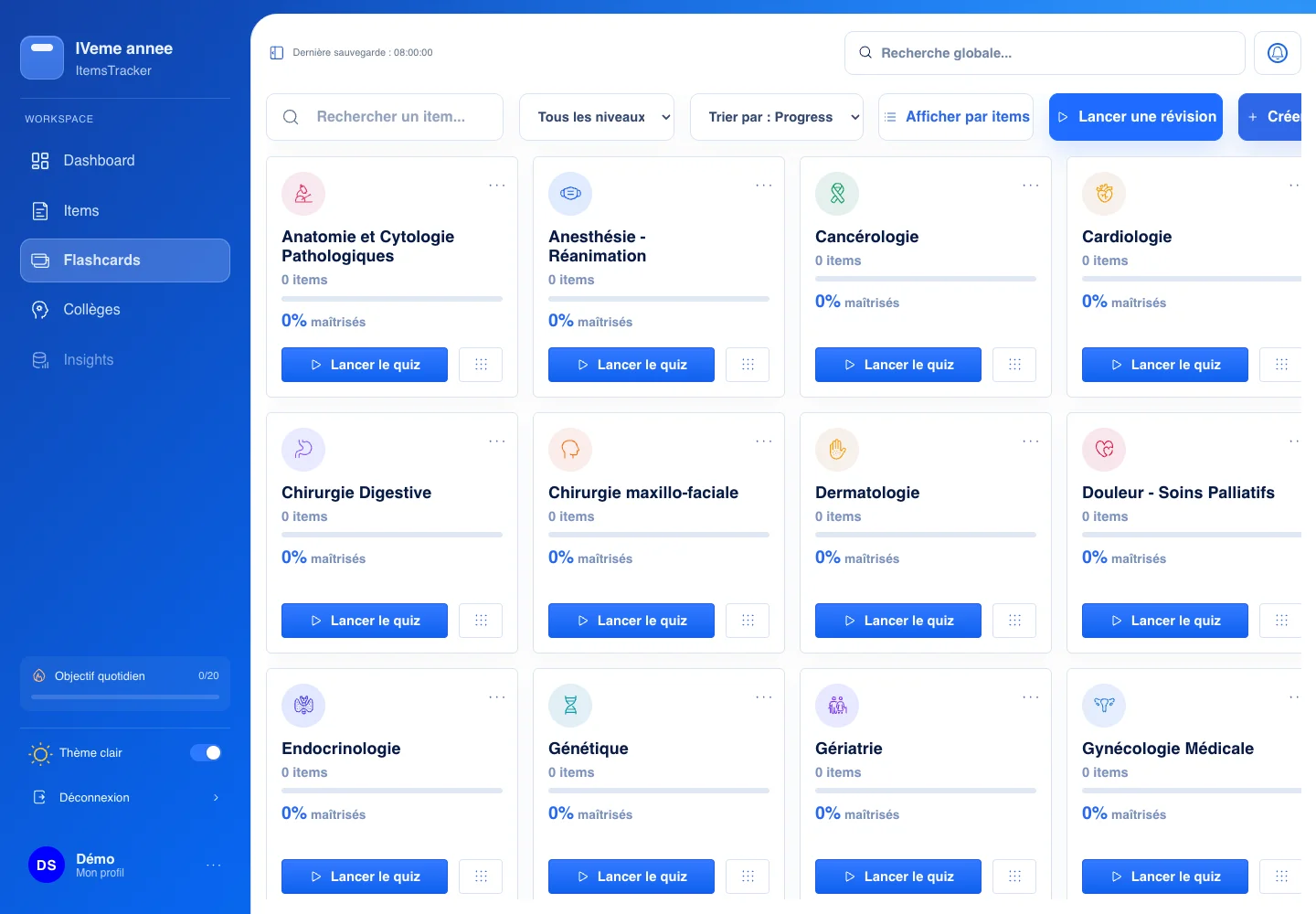
Keep your topics, resources and revision practice together, so you can focus on the next thing to learn.
Group medical study topics by college and track your reading progress for each item.
Attach useful links and resources to the item you are studying.
Create personal flashcards and use quizzes to revisit your knowledge.
Focus on one medical topic at a time.
Keep related resources close to the item.
Return to your personal flashcards and review your progress.
Short answers to the things that matter.
ItemsTracker is built for medical students who want to organize their study topics, track reading progress and practise recall with personal flashcards and quizzes.
ItemsTracker is freemium: a free version, with optional paid features.
Yes. ItemsTracker is a web app you can open in your browser on desktop, tablet or mobile. No installation is needed.
Open the application to sign in or create an account. This studio website itself does not require an account.
They show the real ItemsTracker interface rendered with demonstration data. They do not show a real user’s account.
No. setup[hub] introduces the applications made by the studio. ItemsTracker keeps its own workspace and sign-in.